newsletter


newsletter

Keeping Knowledge Flowing


Calvin
smith
Updates From www.CalvinSmithSoftware.com
Have you heard about my CPL that automatically splits your document population into evenly split review folders for your review team?
Due to popular demand, I created a CPL to help us all automatically get our documents collated into review folders instead of spending many long painful hours dividing our document populations up manually for our review teams. Visit the main CPL page to download a copy free of charge.
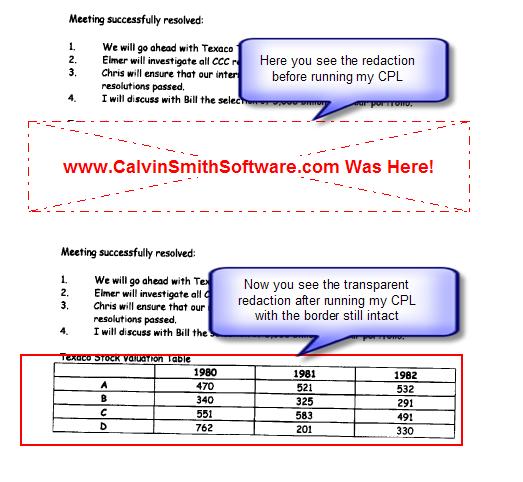
In other news, I recently created a CPL that makes the redactions transparent so attorneys can Q/C their redactions prior to producing. The redaction borders remain intact, which makes it easy to see where the redaction was placed. Visit the main CPL page to download a copy free of charge.
My development partner and I have other CPL utilities coming down the pipeline soon. Please forward any ideas that you would like to see automated.
Inside Concordance v10 Tagging
Recently, I discussed the anatomy of the new Concordance v10 TRK file at the NYC Concordance Users Group meeting and thought that I would share what I see under the hood with you too.
The following screenshots will take you on a "little field trip" through the new TRK file in Concordance v10 for those who are interested in seeing how the tagging information is now stored. By now, you've probably learned via the Concordance Roadmap that the new TRK file is no longer in the traditional BTree file format, as in previous versions.
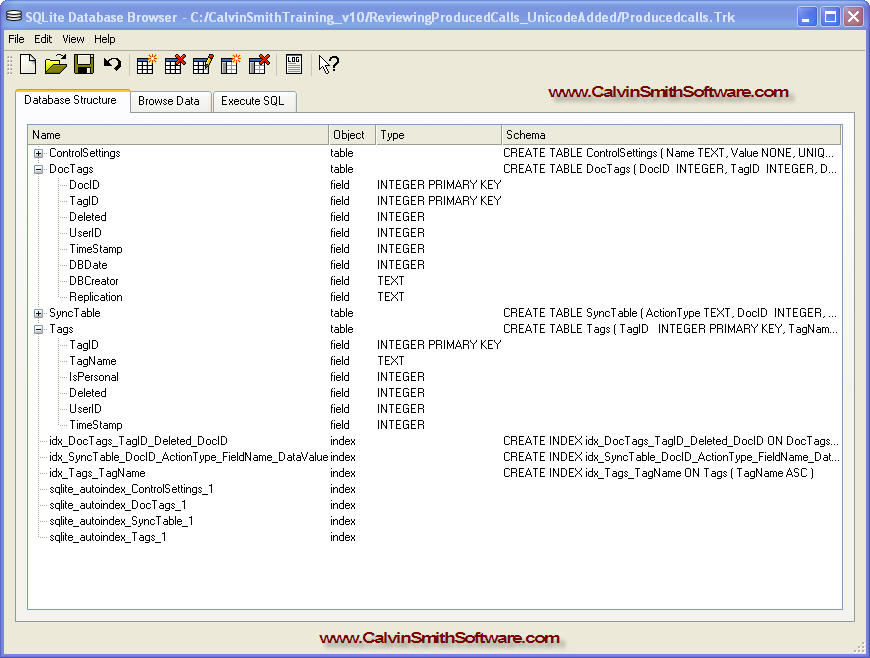
I. On the first screenshot below, I'm just looking around at the tables within the TRK file via the SQLite browser:
http://www.CalvinSmithSoftware.com/SQLite_TableRelations_NO_NOTES.jpg
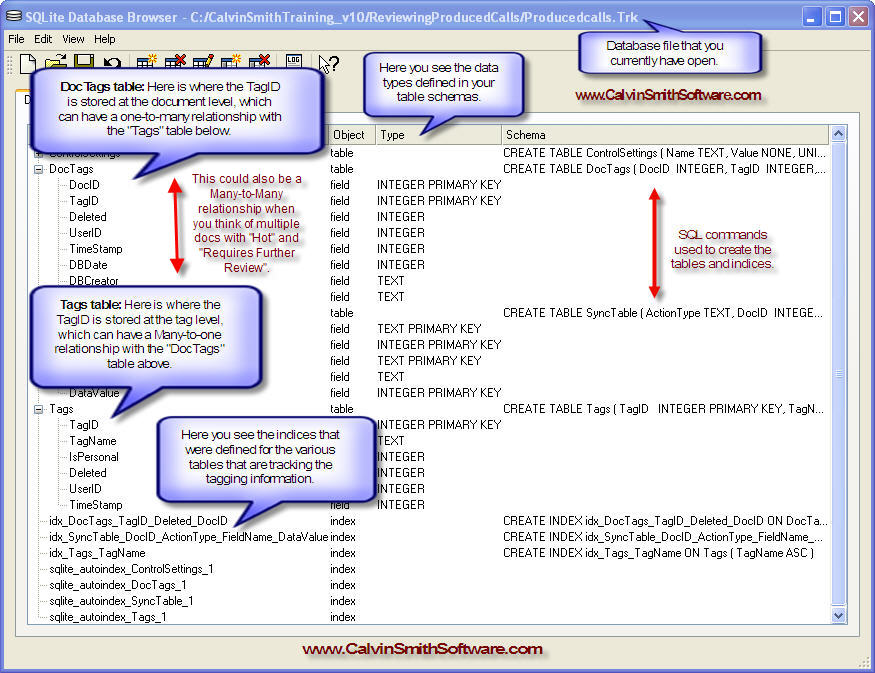
II. Next, I see how these tables can be (or are) related as I took notes:
http://www.CalvinSmithSoftware.com/SQLite_TableRelations.jpg
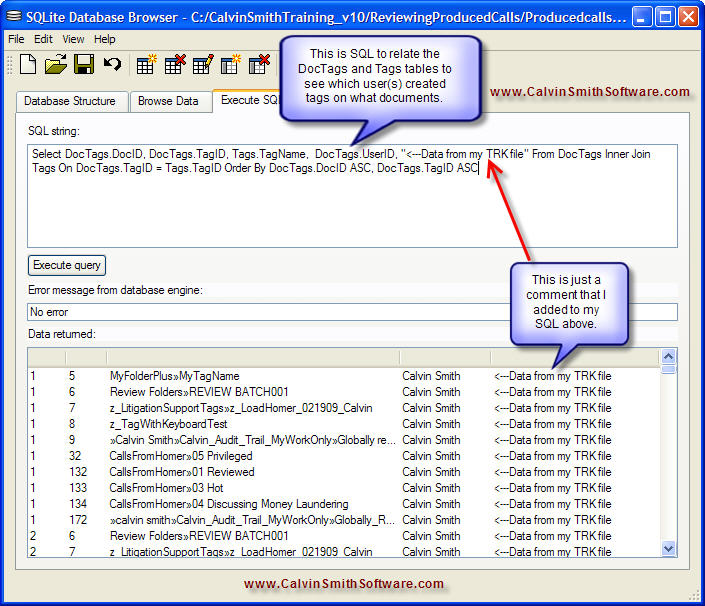
III. On the next screen, I'm just running a SQL script to marry the tagging related data with the tagged documents:
http://www.CalvinSmithSoftware.com/SQLite_SQL_WhoCreatedTags.jpg
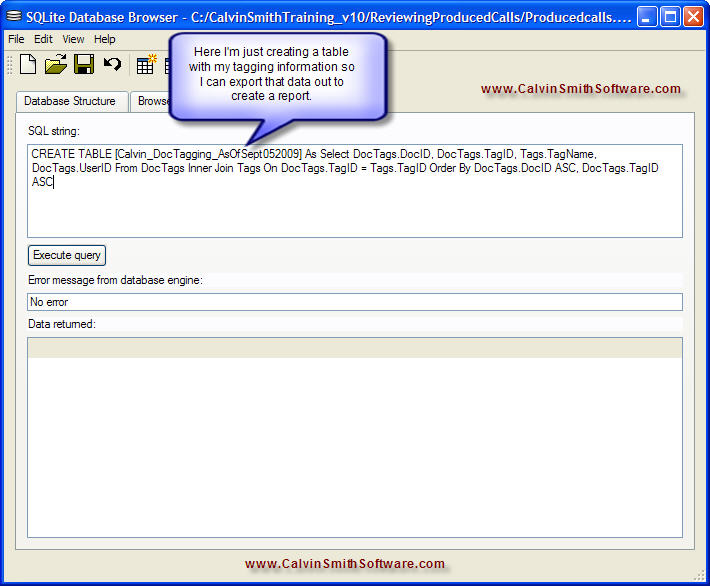
IV. Finally, I'm creating a new table with the tagging information so I can export it out for reporting, if desired:
http://www.CalvinSmithSoftware.com/SQLite_SQL_CreateTagInfoTableToExport.jpg
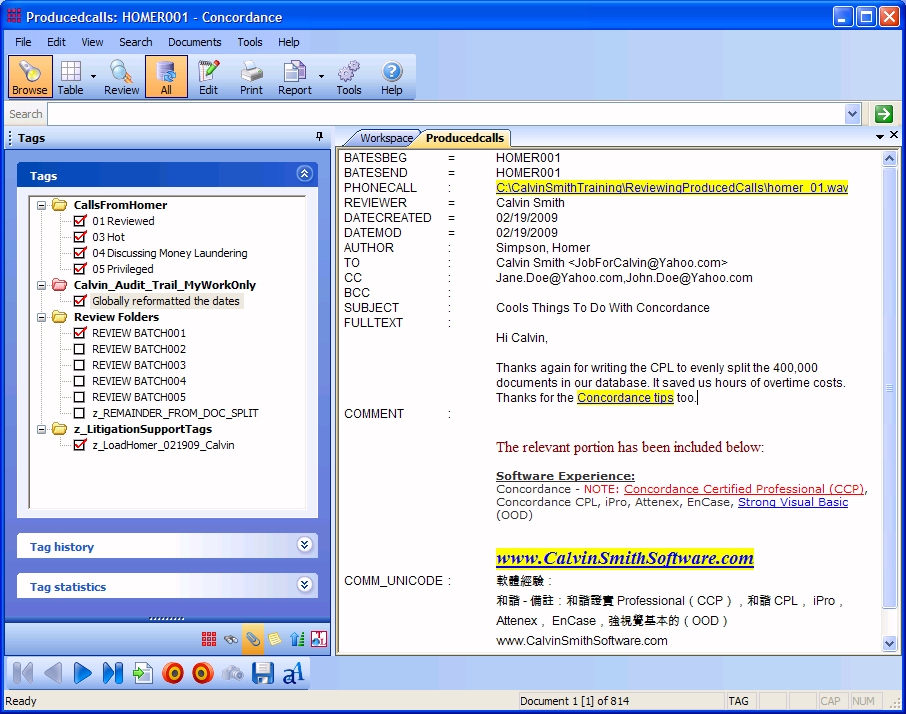
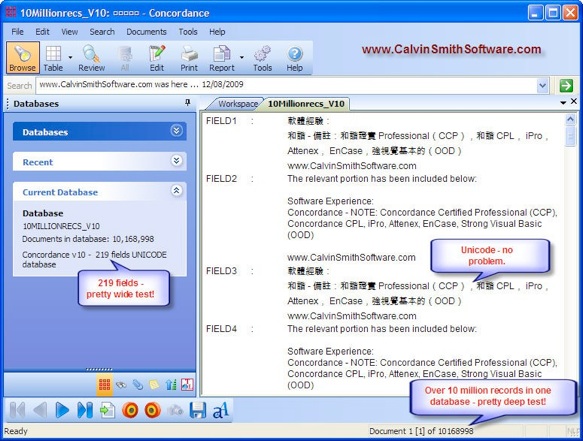
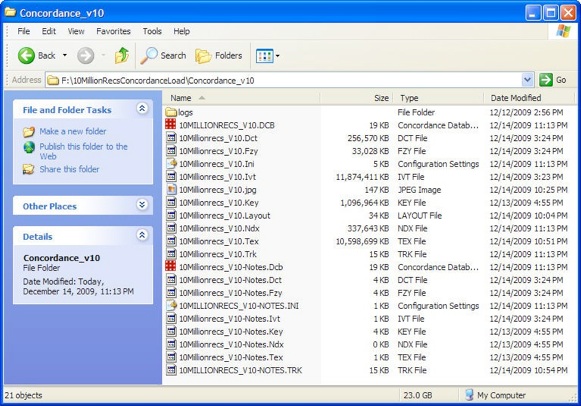
My testing was done on the TRK file for the following Concordance v10 database:
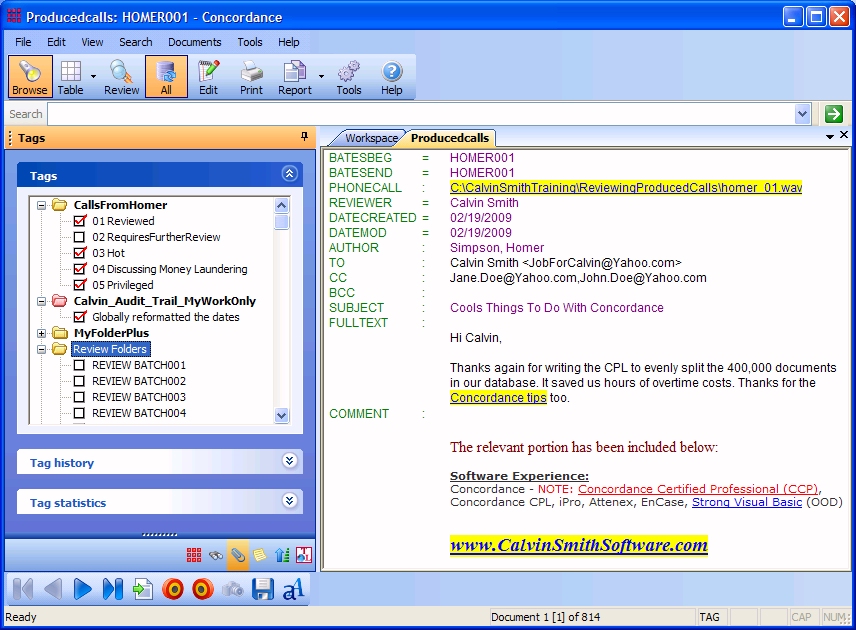
http://www.CalvinSmithSoftware.com/ConcordanceUnicode.jpg
Direct traffic using your Concordance workspace -
Did you know that you can direct traffic using HTML and your Concordance.ini? [Click here]
Concordance “Gotcha” Errors -
A small reference that may be of help when you see a weird error: [Click here]
Planning a large scale database migration or conversion? Experience with automating large scale Concordance database migrations and / or database conversion efforts. This saves your team time and money!
Need an automated approach for transferring data between document families? Let me help you with those headaches!